




TIN Registration Guide (Bangladesh – 2026)
A Taxpayer Identification Number (TIN), commonly called e-TIN, is a unique 12-digit number issued by the National Board of Revenue (NBR). It is required for many financial, business, and legal activities in Bangladesh. The registration process is free and can usually be completed online within a few minutes if all information is correct.
Step 1: Visit the Official e-TIN Portal
Apply through the official NBR Income Tax portal:
Step 2: Create an Account
Provide:
- Full Name
- Mobile Number
- Email Address
- Username
- Strong Password
Verify your account using the OTP sent to your mobile number and email.
Step 3: Select Taxpayer Category
Choose the appropriate category, such as:
- Individual
- Proprietorship
- Partnership Firm
- Company
- Trust/NGO
- Foreigner (if applicable)
Step 4: Fill in Your Information
Complete the online form with:
- Full Name
- Father’s Name
- Mother’s Name
- Date of Birth
- National ID (NID)
- Current & Permanent Address
- Occupation
- Source of Income
- Contact Information
Step 5: Submit the Application
After reviewing your information:
- Click Submit
- Your 12-digit TIN will be generated.
- Download and print your e-TIN Certificate.
Documents Required
For most Bangladeshi individuals:
- Valid National ID (NID)
- Mobile number registered in your name
- Email address
- Date of Birth
- Current address
Additional information may be required depending on the taxpayer category.
Registration Fee
No fee is charged by NBR for e-TIN registration.
Why You Need a TIN
A TIN may be required for:
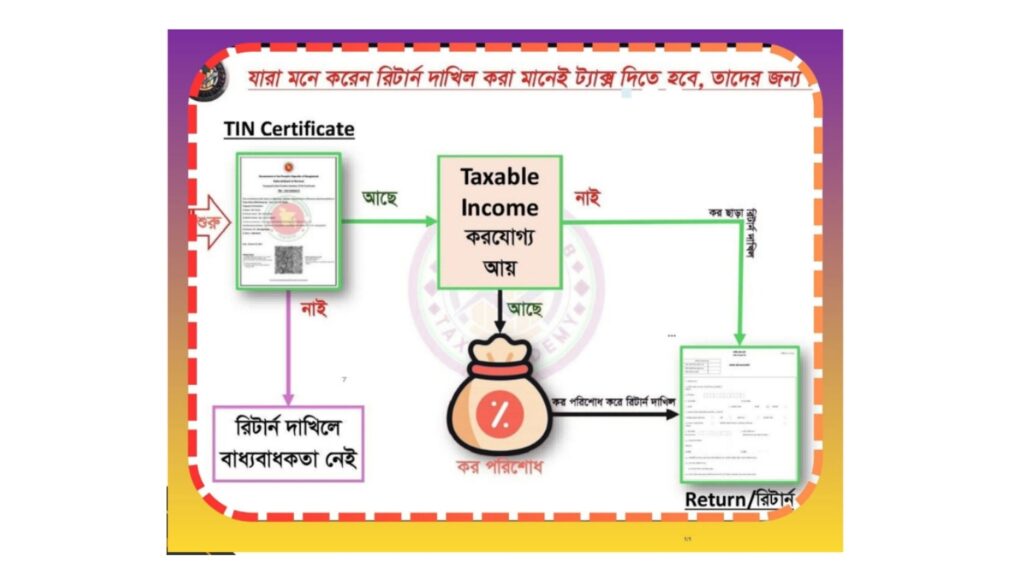
- Filing Income Tax Returns
- Opening certain business or investment accounts
- Trade License and business compliance
- Bank loans and financial transactions
- Property registration (where applicable)
- Government tenders and various official services
Important Tips
- Register only one TIN in your lifetime.
- Ensure your NID, mobile number, and personal information are accurate.
- Save both the PDF and printed copy of your e-TIN Certificate.
- Keep your login credentials secure for future tax return filing.
RELATED POSTS
View all


Complete Guide to VAT Return in Bangladesh (Finance Act 2026)
August 1, 2026 | by Mohmmed Ismail Miah
How to Open a Business Current Account at The City Bank PLC in Bangladesh (2026 Guide)
July 24, 2026 | by Mohmmed Ismail Miah
Bangladesh Salary Tax Deduction at Source (TDS) 2026 – Finance Act 2026
July 25, 2026 | by Mohmmed Ismail Miah